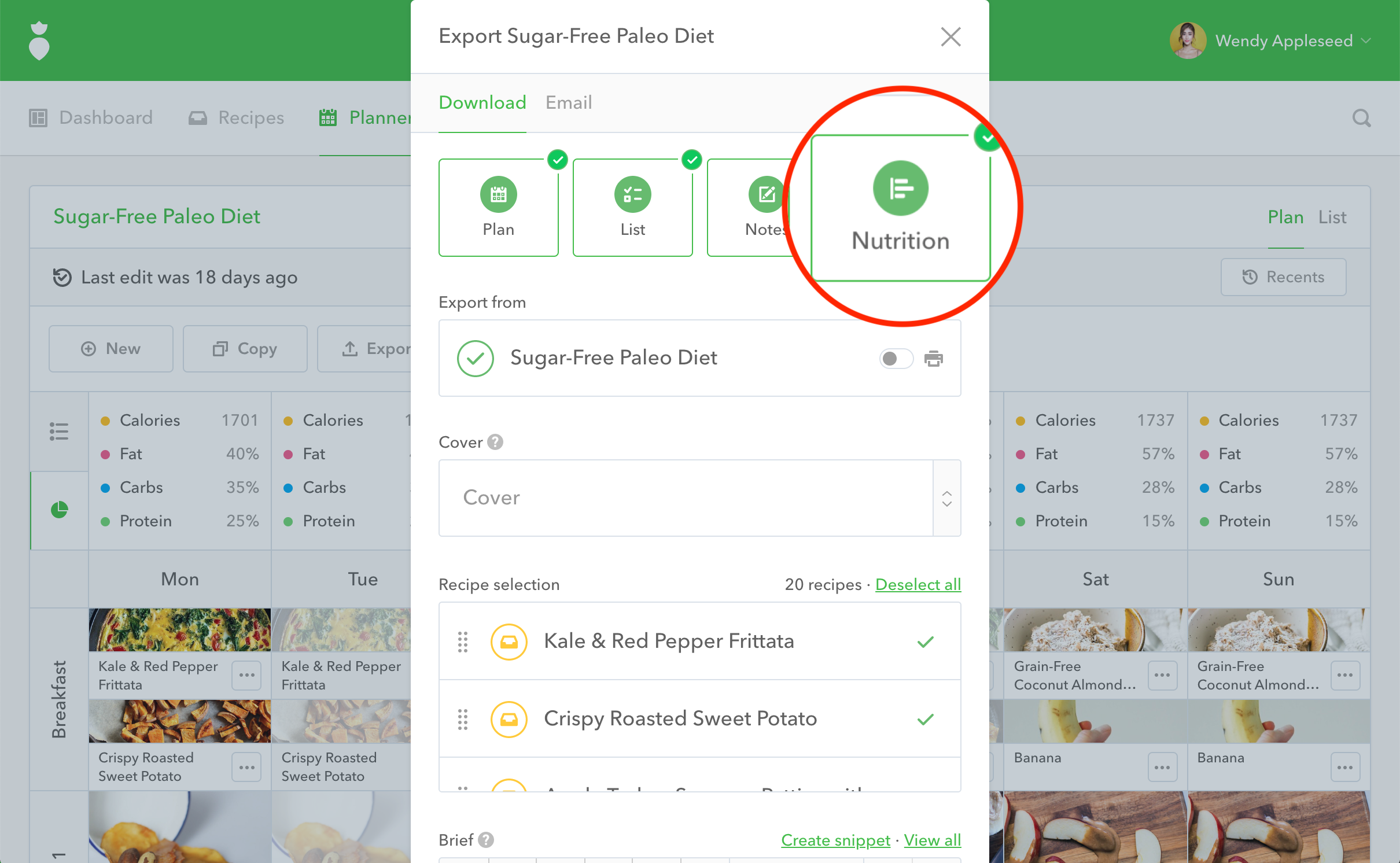
By default nutrition facts will not be included in any of your PDF Exports. To include nutrition facts on an export simply follow these steps:
- 1
- When looking at the plan or recipe you want to export, click the Export button.
- 2
- A dialog will pop-up. Check the box that says Nutrition by clicking on it.
- 3
- Select any other export settings you'd like, then click the Start Export button.
- 4
- Your PDF will download or send with nutrition facts.