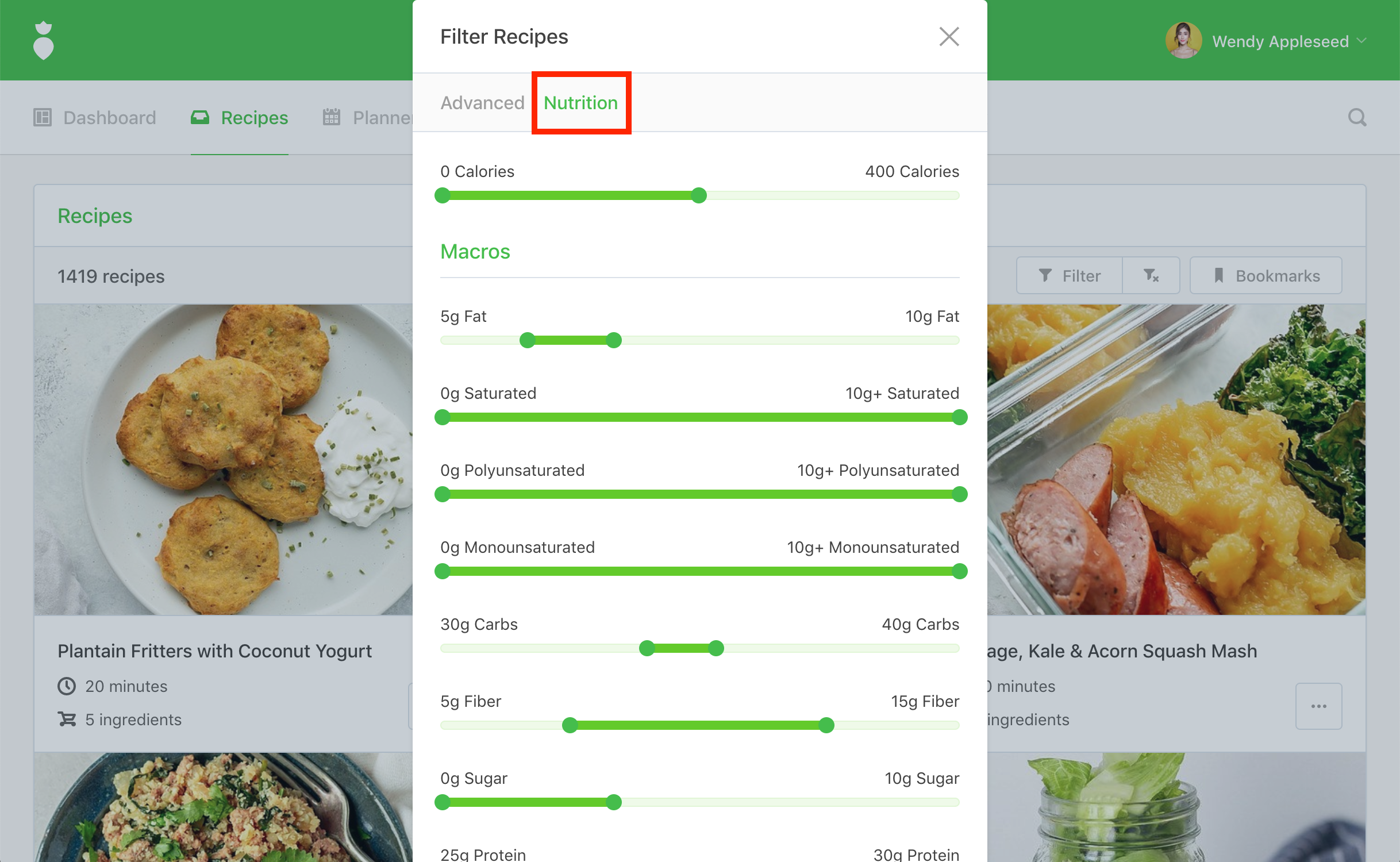
That Clean Life allows you to filter meals based on nutrition facts such as calories, protein, carbohydrates, fat, fiber, and sodium — making it super easy to find the meals you are looking for.
- 1
-
First, click on the Filter button located near the top of Recipes.
- 2
-
You'll be prompted by the "Filter Recipes" dialog. Next, click on the Nutrition tab near the top of the dialog. From here, you can filter for meals based on nutrition facts.
- 3
-
After you've adjusted your filters simply click the Filter Recipes button: