To make a copy of a plan:
- 1
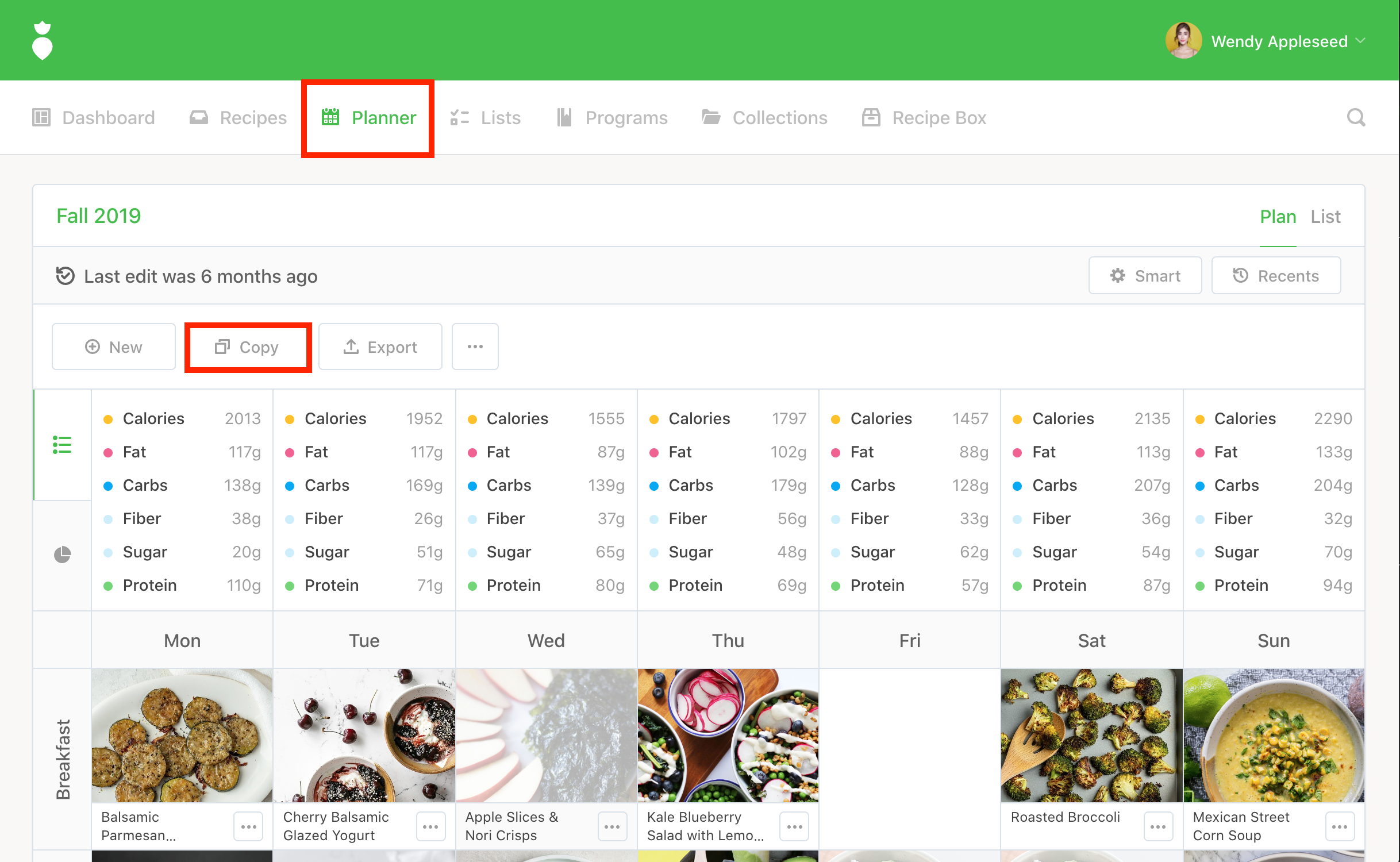
- Click on Planner in the main navigation.
- 2
-
Once in the Planner, click the
Copy button.
- 3
-
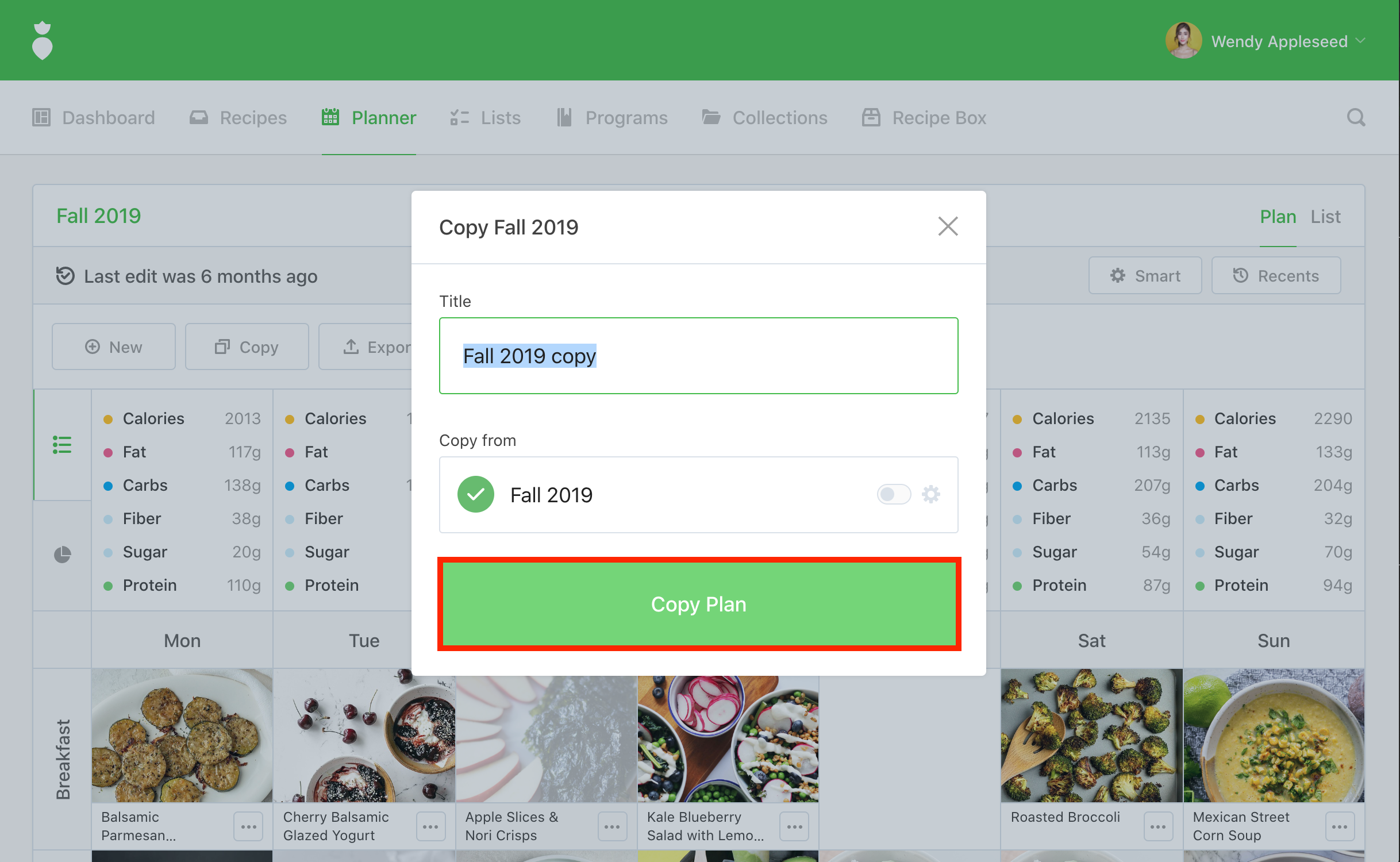
Enter a title for your copied plan within the dialog and then click the
Copy Plan button.
To make a copy of a plan: